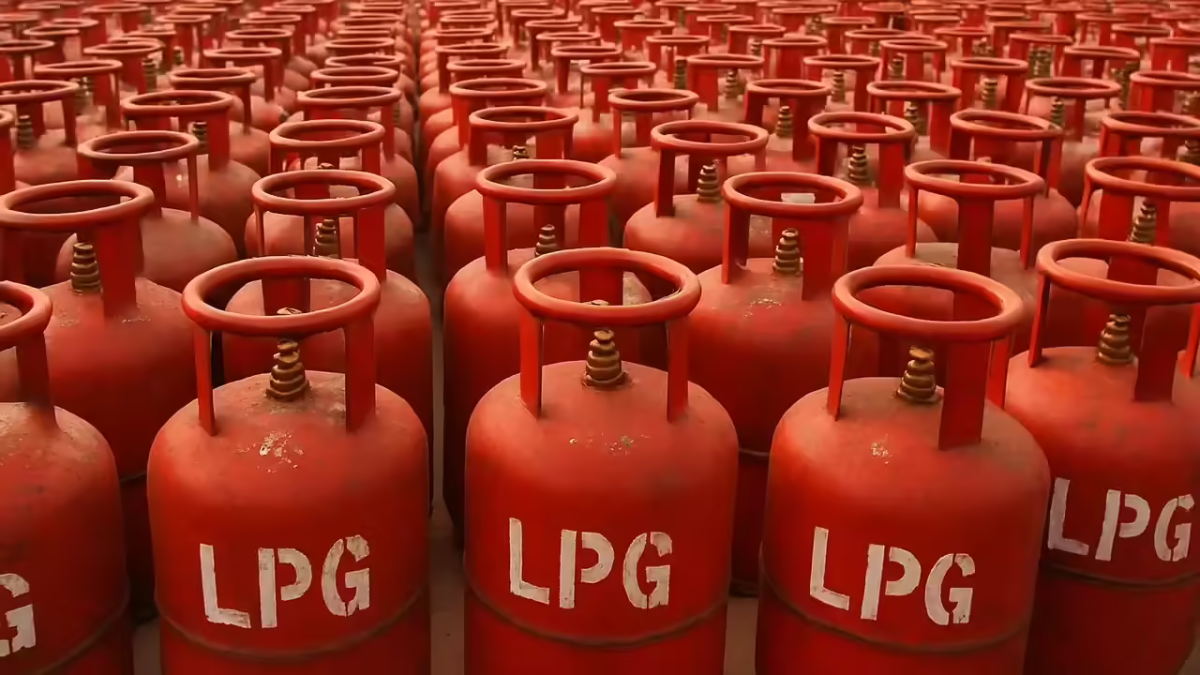
📢 LPG Cylinder Book செய்ய முடியவில்லையா?
பலருக்கு தற்போது LPG cylinder booking செய்ய முடியாமல் பிரச்சனை வருகிறது.
👉 முக்கிய காரணம்:
✔ LPG connection-க்கு link ஆன mobile number வேலை செய்யாதது
👉 நல்ல செய்தி என்ன?
✔ இப்போ வீட்டிலிருந்தபடியே number update பண்ணலாம் ✅
🌐 Method 1: Website மூலம் Mobile Number Change
👉 Steps:
- MyLPG.in website open செய்யுங்கள்
- “Click Here” option select செய்யுங்கள்
- உங்கள் gas company (Indane / HP / Bharat) select செய்யுங்கள்
- Login (Email ID / Password)
- Profile sectionக்கு செல்லுங்கள்
- “Change Mobile Number” select செய்யுங்கள்
- New number enter பண்ணுங்கள்
- OTP verify பண்ணுங்கள்
👉 Done! உங்கள் number update ஆகிவிடும் 👍
📲 Method 2: WhatsApp மூலம் Update
👉 Easy method:
✔ Gas agency official WhatsApp number save செய்யுங்கள்
✔ “Hi” message அனுப்புங்கள்
✔ Menuல “Other Services” select செய்யுங்கள்
✔ “Change Mobile Number” option choose செய்யுங்கள்
✔ New number enter செய்யுங்கள்
👉 சில நிமிடங்களில் update ஆகும் 🚀
📱 Method 3: Mobile App மூலம் Change
👉 Steps:
✔ Gas company app download செய்யுங்கள்
✔ Login செய்யுங்கள்
✔ “Other Services” / “One Touch Solution” option
✔ Mobile number update செய்யுங்கள்
⚠️ முக்கிய தகவல்
👉 “35 days new rule” என்று ஒன்று இல்லை ❌
✔ தற்போது:
👉 25 – 45 நாட்கள் interval system தான் உள்ளது
❓ FAQ – முக்கிய கேள்விகள்
🔹 LPG booking எப்படி செய்யலாம்?
👉 Number update ஆன பிறகு:
✔ Call / App / Website மூலம் booking செய்யலாம்
🔹 என்ன details தேவை?
✔ Email ID
✔ LPG ID / Consumer Number
🔹 WhatsApp update safe ஆ?
✔ Official number பயன்படுத்தினால் safe ✔
⭐ Final முடிவு
✔ LPG booking problem → mobile number issue தான்
✔ 3 easy methods மூலம் update செய்யலாம்
✔ வீட்டிலிருந்தபடியே solution கிடைக்கும்
👉 Number update பண்ணுங்க… booking tension free ஆகும்! 💯
🔔 For more updates & free PDFs, join or follow us below 👇
💬 Join WhatsApp 📢 Join Telegram 📸 Follow Instagram ⭐ Add on Google